Network Attached Storage for Automated Backups
Prevent Lost Data
Many DC area residents have been contacting me lately with hard drive failures and lost data. Data can sometimes be recovered using software such as SpinRite. But it’s easy and relatively inexpensive to be proactive and backup your data. The best backups are automated, using free software such as SyncBack for Windows or the built-in Time Machine for Macs.
Backup Locally
Backups can be sent to a local USB flash drive or local USB hard drive. The Western Digital My Passport Essential 500 GB
Network Backups
If you have more than one computer, a better solution can be to backup to a network attached storage (NAS) drive. This connects by ethernet to your router allowing you to connect to it through your home network.
Here are a few solutions:
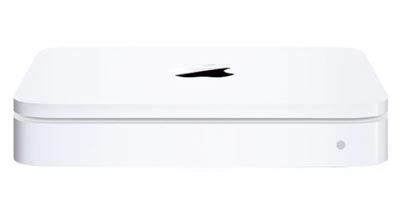
Apple Time Capsule
If you are a Mac user and you want the simplest solution, you’ll have to pay a lot more for the Apple Time Capsule
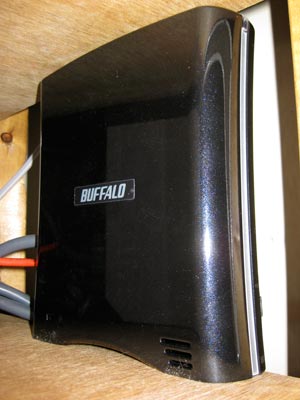
Buffalo Linkstation
Buffalo Technology Linkstation Pro LS-XH1.0TL 1 TB
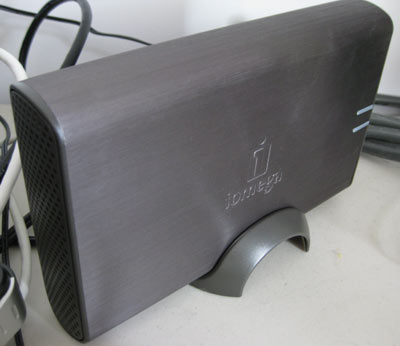
Iomega Home Media Server
Iomega Home Media Server 34337 1TB
NAS Reviews
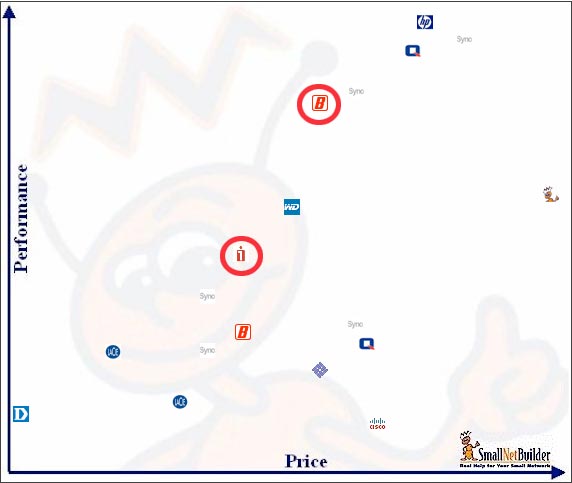
SmallNetBuilder.com is a great site for NAS reviews. They also have charts such as this one which show you the speed versus price. I circled the Buffalo and Iomaga drives mentioned above illustrating the Buffalo’s excellent performance.
Multi-drive NAS
For larger businesses or those who want an extra backup of their backup drive, consider a NAS that consists of multiple drives. This could be a RAID (Redundant Array of Independent Disks) box such as a Netgear ReadyNAS
Backup Your Data
In the world of computer support, nothing is worse than seeing someone lose family pictures or days of important accounting data. Given the low cost of storage, there is no excuse for avoiding backups. Automated solutions are a simple way to keep your digital data safe.

 4. Download the free
 comes with 1GB of RAM and a 160GB SATA Hard Drive. For an idea of its performance, please