

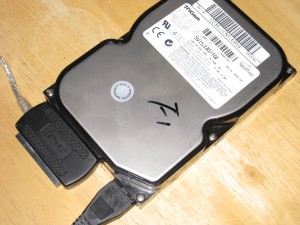
 If you attach a hard drive to a Mac OS X computer, you can erase it using the built-in Disk Utility.
The cheapest way to attach an external drive is with an adapter such as this one for IDE hard drives from Newegg for about $18.
Once connected on a Mac OS X computer, click Go – Utilites – Disk Utility. From there, click on the disk you want to erase, click the Erase tab at the top, then click Security Options. This will give you the following options:
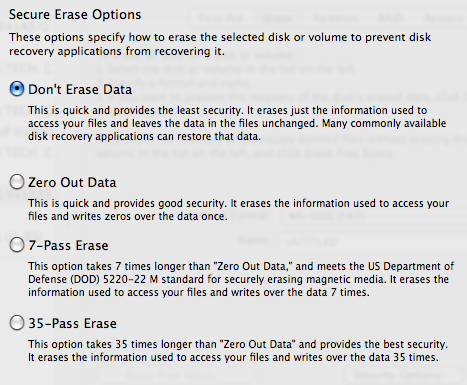
Zeroing out the data will erase it. For added security, choose the 7-Pass or 35-Pass options to overwrite the data in multiple passes. Like Darik’s Boot and Nuke utility, this will ensure that the data can not be recovered even if someone is using special forensic recovery software.
Once you choose the option you want, click Erase. That’s it.