

Protect Your Online Privacy
I just found out about a great resource for online privacy, the website www.privacytools.io. It’s covers all the major privacy concerns and how to protect yourself from being snooped on.


I just found out about a great resource for online privacy, the website www.privacytools.io. It’s covers all the major privacy concerns and how to protect yourself from being snooped on.
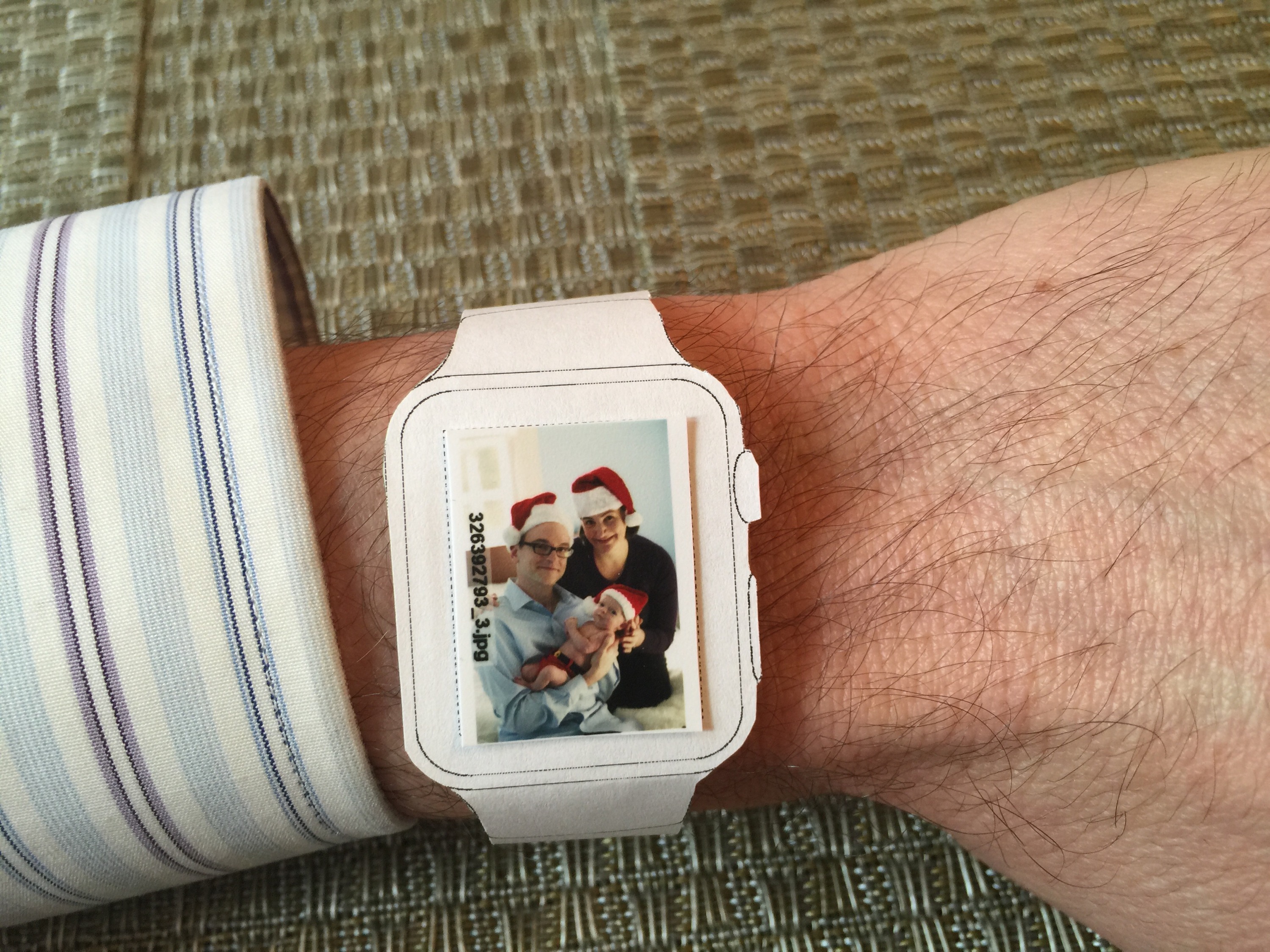
The Apple Watch will be out in April. If you’re looking to see what size fits best, you can print out cutouts from the icon factory. And if you’re a serious Apple fan, you can add your favorite picture and wear it around. Battery life is great.
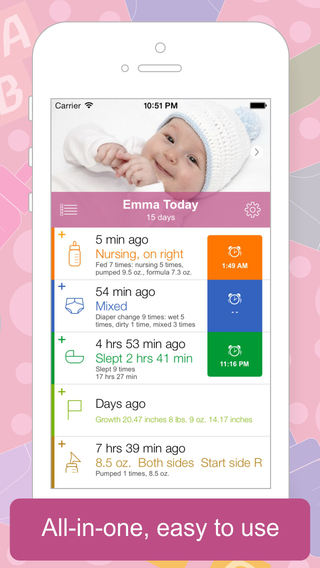
Have a new baby and need to track feedings, diapers, sleeping, and growth statistics? I initially thought the tried-and-true pen and paper approach would be easiest. But after reviewing most of the baby tracker apps, I found an app that is simple and easier than anything else. Most baby apps are bloated with features and ugly. Baby Tracker by nighp is an iPhone and iPad app that looks like it was designed by Apple.
One of my favorite features is the ability to use it with others. I set Baby Tracker to store its data in dropbox so my wife and I can both enter and review information. So if I do a late night bottle feeding, she can wake up and see when the feeding started and ended.
It’s the perfect app for the nervous new parent.
Not sure which mythical new iPhone is right for you? If you are a self-respecting iPhone user, you will print out mockups, cut them out, tape them to cardboard, and carry them around to help see which model you prefer.
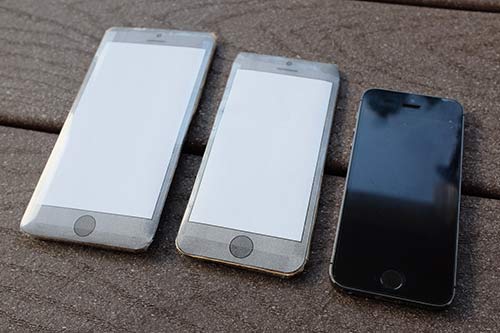
Download my mockups which show the expected 4.7 and 5.5 inch models next to the existing 4 inch iPhone 5/5s. When you print, be sure to not scale the document. Or manually enter scaling of 100%.
After cutting out mockups, tape as much cardboard as you need to reach your assumed phone thickness.
Are your hands big enough to reach the top left of the screen one-handed? If you are Shaquille O’Neal, you won’t have a problem with the 5.5 inch model. Otherwise, are you okay crimping your hand in a weird grip for one-handed operation? I can barely do this for the 4.7 inch, so the 5.5 inch would be a two handed operation for most of my use. This means I would type on the 5.5 inch iPhone like an iPad, two thumb style.
The 5.5 inch iPhone would be more difficult to use while crammed on the metro. Scrolling through an article would work, but navigating around the phone could mean a hazardous lapse of holding onto the safety bar. And no one wants to be knocked over by someone carrying a giant phone.
Does the phone fit in your pants and jacket pockets? Do you feel like an idiot holding a large rectangle up to your head? There isn’t much time left to decide before the September or perhaps October announcement.
Tip: don’t let people at work see you using a pretend iPhone. Not everyone understands the importance of this decision.
Recently I helped someone with a computer that had out-of-control pop-ups appearing in the web browser. This typically happens when malicious software is installed or automatically added to a computer with other software.
To fix this problem, you need to set up your web browser and computer so that it’s settings don’t allow for these ads to show up. Here are some steps to follow:
There are paid anti-virus programs such as Kapersky which will look for malware or adware that can cause this issue. Consider this only if you can’t control the issue on your own. Typically, this isn’t necessary if you take the above steps.
If your browser does not have these problems and the sites you visit just have a lot of pop-ups, consider adding an anti-pop-up extension to your browser. There are several good options.
If you are still having problems within your browser, you can also install another browser. On a PC today, I think Internet Explorer, Chrome, and Firefox are pretty good. In the past, IE was terrible, but they’ve improved a lot with some competition.