

iPhone Day
There are fairly large lines at the Clarendon Apple Store this morning for the newly released iPhones.

There are fairly large lines at the Clarendon Apple Store this morning for the newly released iPhones.
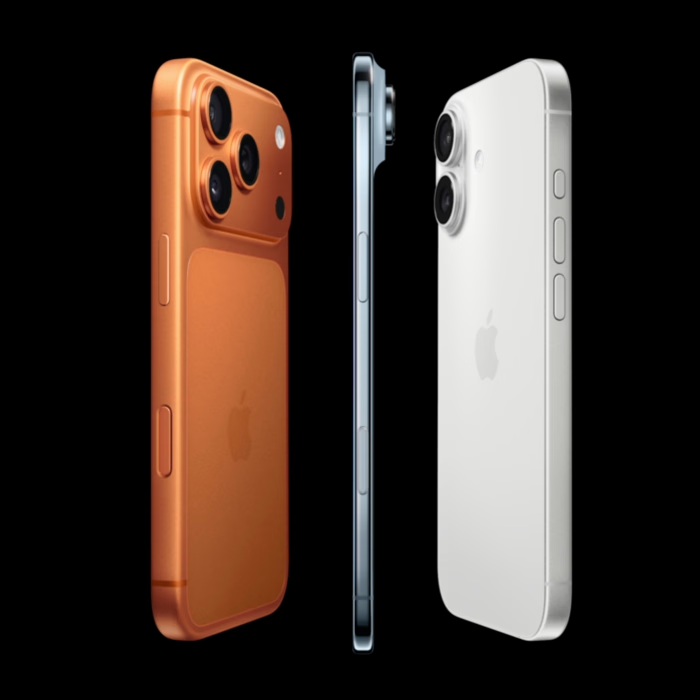
Apple unveiled their latest lineup on September 9, 2025 — the iPhone 17, iPhone 17 Pro, iPhone 17 Pro Max, and a brand-new ultra-thin iPhone Air. Here’s what you need to know before deciding whether to upgrade.
1. How Old Is Your Current iPhone — and Will It Support iOS 26?
• Apple’s upcoming iOS 26 rolls out publicly on September 15, 2025, introducing the new Liquid Glass UI, smarter features, improved messages, Live Translation, and more.
• Devices that will not be supported include the iPhone XR, XS, and XS Max. These models are from 2018 and will remain stuck on iOS 18, losing access to future updates and security fixes.
• Currently supported iPhones (per Apple) include: iPhone 13 and newer, through to the new iPhone 17 series and iPhone Air.
Recommendation:
If your iPhone is 7+ years old (e.g., XR/XS or earlier), consider upgrading for both security and compatibility. Stay on older iOS puts you at risk and can hinder access to newer apps or features.
2. Check Your Battery Health — When Should You Consider Upgrading?
Go to Settings → Battery → Battery Health. If your Maximum Capacity is below around 80%, you’re likely seeing:
• Noticeable battery drain
• Throttle-induced slowdown
• Degraded battery performance overall
In such cases, upgrading makes sense—or at least consider battery replacement if cost is the concern.
3. Are Photos a Priority?
• The iPhone 17 Pro / Pro Max introduce a new telephoto lens and selfie front-facing camera: 48 MP sensor for telephoto and 18 MP sensor for selfie. Both of these should produce noticeably better photos.
• The telephoto lens is particularly valuable if you photograph kids in action or sports—giving you significantly better reach and detail.
• The selfie lens of course is great for those family and friends shots when you can’t find someone else to take the picture.
4. Do You Value Thinness (and Style)?
• The iPhone Air is a design statement: the thinnest iPhone ever at just 5.6 mm, using a lightweight titanium frame with Ceramic Shield 2 for extra durability.
• It includes one reliable 48 MP rear camera (many users use only the main lens anyway), and pairs pro performance with cutting-edge portability—making it arguably the most fashionable iPhone to date.
5. Should You Wait Another Year?
• Apple is widely expected to release a foldable iPhone in 2026. This would open up like a book to give you much more screen space. If having the equivalent of a small iPad and iPhone together in one unit appeals to you, try to wait till next year.
Final Thoughts
Don’t upgrade just for the sake of hype. Consider your current device’s age, battery health, and how you use it day-to-day. The iPhone 17 line delivers meaningful improvements, especially in camera tech. If those align with your needs, now is a sensible time to upgrade. If you’re still holding a newer iPhone in good shape and don’t crave the latest cameras, waiting another year could be the right choice.
If you’ve ever wondered “Where did all my disk space go?”, a visual disk usage tool can answer that question in minutes.
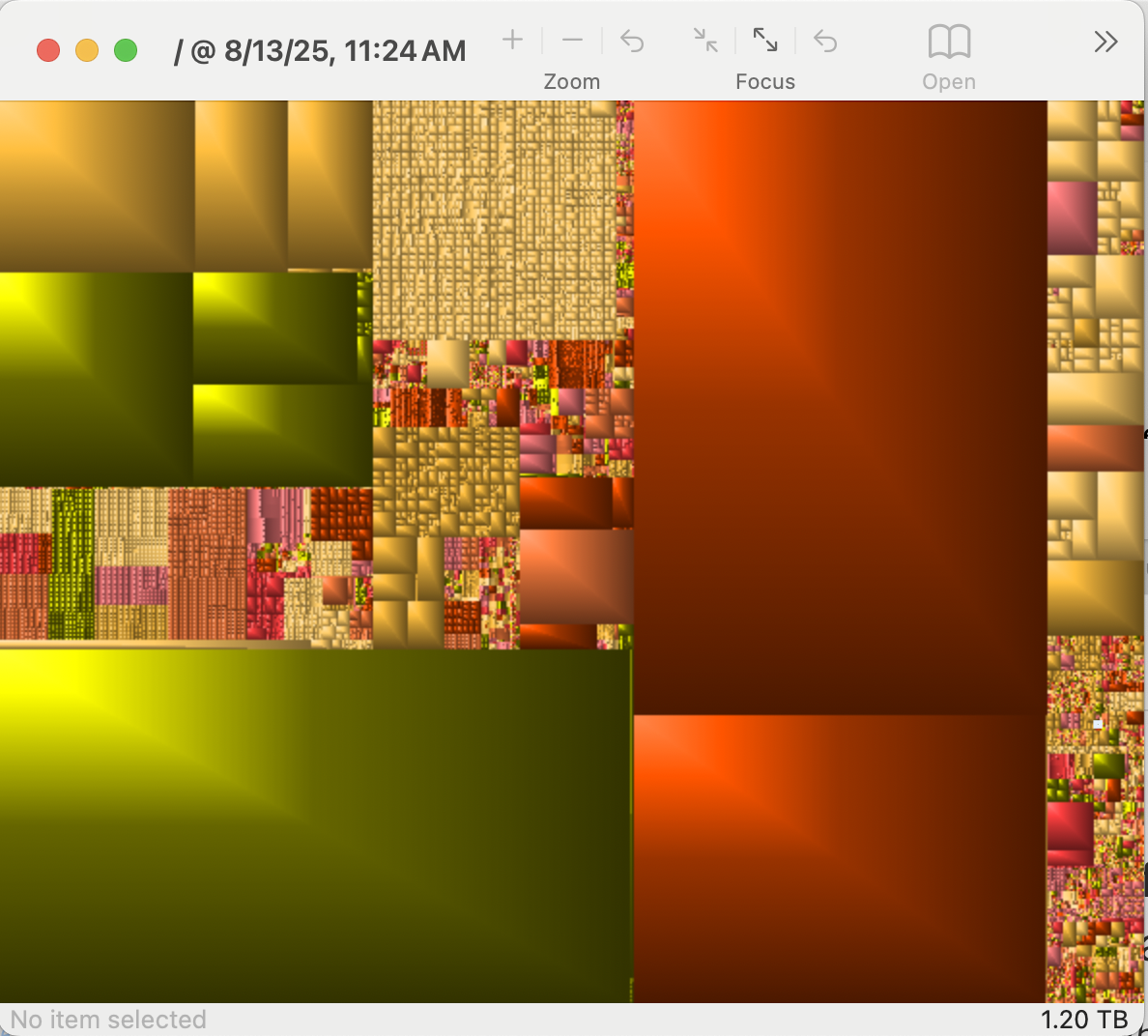
On macOS, GrandPerspective has been a go-to for years. It scans your drive and displays a colorful treemap—each rectangle represents a file, sized by how much space it takes. Big blocks reveal large files instantly, whether it’s a forgotten video export or a massive cache folder.
On Windows, the closest match is WinDirStat. It works the same way: scan a drive, see a treemap, and drill down into directories. It also adds a handy file-type legend and a directory tree so you can clean up directly from the interface.
Both tools are free, open source, and lightweight. For moderately technical users, they’re faster and more insightful than manually poking through folders—and they make the “what’s eating my disk?” problem almost fun to solve.
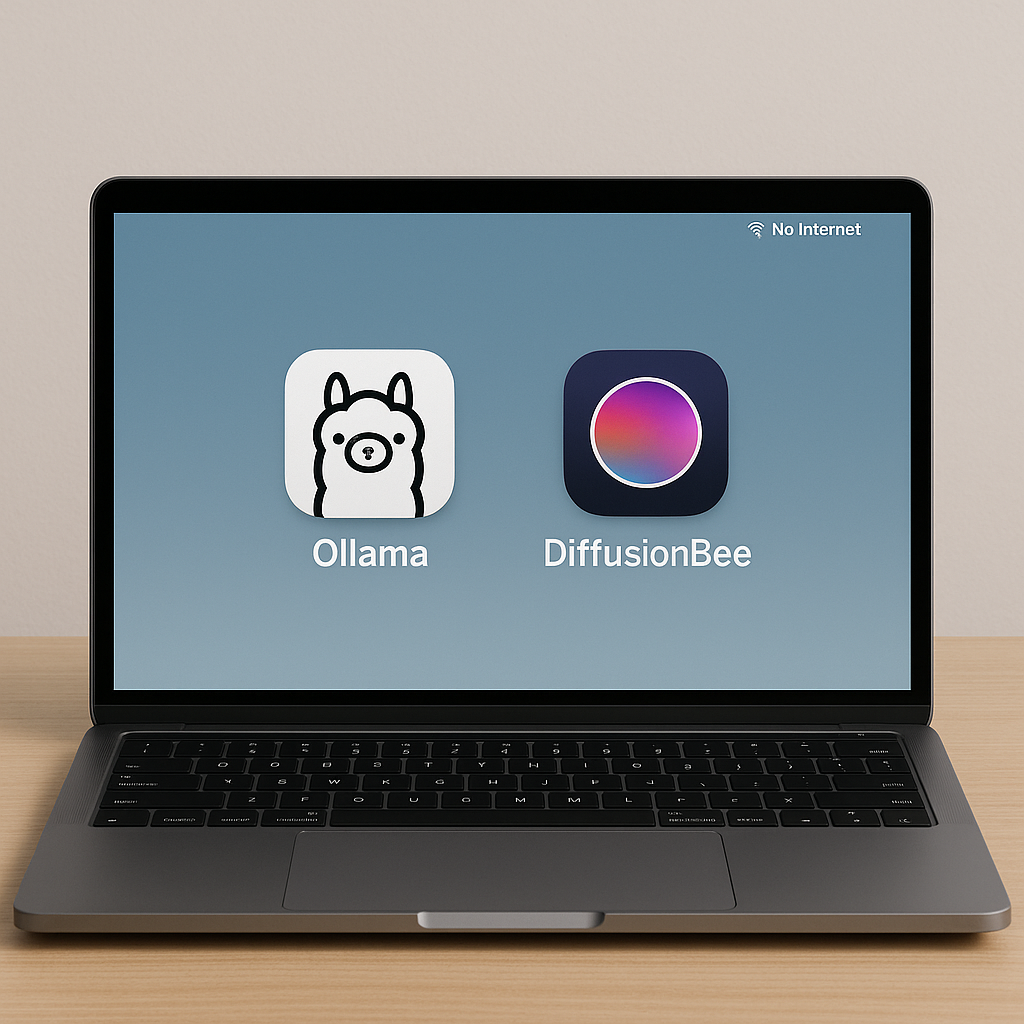
The AI revolution just got more personal. While most of us have grown accustomed to typing prompts into ChatGPT or Claude through our browsers, a new wave of tools is bringing that same AI power directly to your desktop—no internet required, no monthly subscriptions, and complete privacy.
Two standout applications are making local AI accessible to regular users: Ollama for text generation and DiffusionBee for creating images. Both represent a significant shift toward democratizing AI technology.
Ollama recently launched a partnership with OpenAI and released a new GUI application for macOS and Windows, transforming what was once a command-line tool into something anyone can use. The app lets you download and chat with various AI models, including OpenAI’s new open-source gpt-oss models available in 20B and 120B parameter sizes.
This is significantly more user friendly than it used to be. The new interface supports file drag-and-drop, letting you upload PDFs or documents and have conversations about their contents. It even includes built-in web search capabilities, though you’ll need to enable that feature.
The performance trade-off is real but workable. The smaller 20B model can run on systems with just 16GB of memory, though more RAM certainly helps. On my M4 Mac with 32GB, responses often have a delay of a minute or so, but then come faster than I can read them. This is noticeably slower than the cloud-based services we’re used to. The key difference is that everything happens on your machine, with complete privacy.
For image generation, DiffusionBee brings Stable Diffusion to your desktop with remarkable ease. This completely free application runs locally on your computer with a one-click installer and no technical knowledge required.
The app includes text-to-image generation, image-to-image transformation, inpainting, and upscaling features—essentially everything you’d find in premium online services. Your prompts, models, and generated images never leave your device, addressing privacy concerns that many professionals in the DC area have about cloud-based AI tools.
The quality won’t match the latest offerings from Midjourney or DALL-E, but for many use cases—creating presentation graphics, brainstorming visual concepts, or just experimenting with AI art—it’s more than sufficient.
This shift toward local AI addresses several concerns that have limited adoption in professional settings. Government contractors, lawyers, and consultants who handle sensitive information can now experiment with AI without worrying about data leaving their systems. Small businesses can access powerful AI capabilities without ongoing subscription costs.
The models available today are roughly equivalent to GPT-3.5 or early GPT-4 performance levels—a step behind the cutting edge, but still remarkably capable for most tasks. And unlike cloud services, there are no usage limits, rate limits, or monthly bills.
Both applications install in minutes and start working immediately. Ollama downloads models as needed (expect several gigabytes per model), while DiffusionBee includes everything required to start generating images.
The local AI movement represents more than just an alternative to cloud services—it’s about putting powerful technology directly into users’ hands. For the DC community, where data privacy and independence matter, these tools offer a compelling glimpse of AI’s more distributed future.
Download Ollama at ollama.com and DiffusionBee at diffusionbee.com. Both are free and work best on modern computers with at least 16GB of RAM.
Book recommendation:
Apple in China: The Capture of the World’s Greatest Company” by Patrick McGee
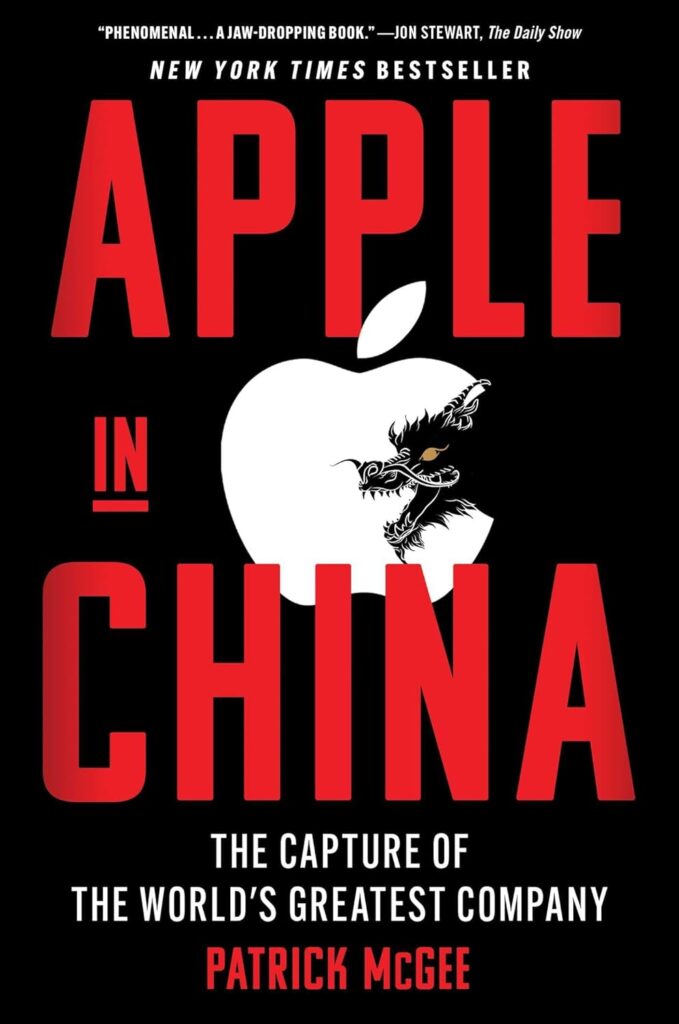
Understanding Apple’s China entanglement is essential for anyone working on tech competition, export controls, or supply chain policy. Patrick McGee does an amazing job explaining how Apple and China got to this point in time.
Apple’s China investments exceeded the Marshall Plan, creating unprecedented supply chain interdependence. Now Apple trained 28M+ workers who power competitors like Huawei.
China played the long game—used Apple (and Tesla) partnerships to systematically upgrade domestic tech capabilities.