Internet

Amazon PrimePantry Review

Amazon recently launched a new service, currently just for Prime members, called Amazon PrimePantry.  The idea is you can order certain pantry-esque items (no cold food) and have them shipped in 1 big box for just $6.  I ordered an assortment of items that I thought might be challenging to deliver intact.  Amazon’s goal is to have it delivered within 4 business days.  The selection of items is rather limited but clearly Amazon is launching with items they believe they can handle successfully.

The first snafu came with the delivery timeframe.  It arrived late but Amazon did refund me the $6 shipping as they always do when an item is late.  Since I had ordered some detergent, toilet bowl cleaner, and water, that made the box rather heavy though it arrived with minimal damage.
amazonpantry2

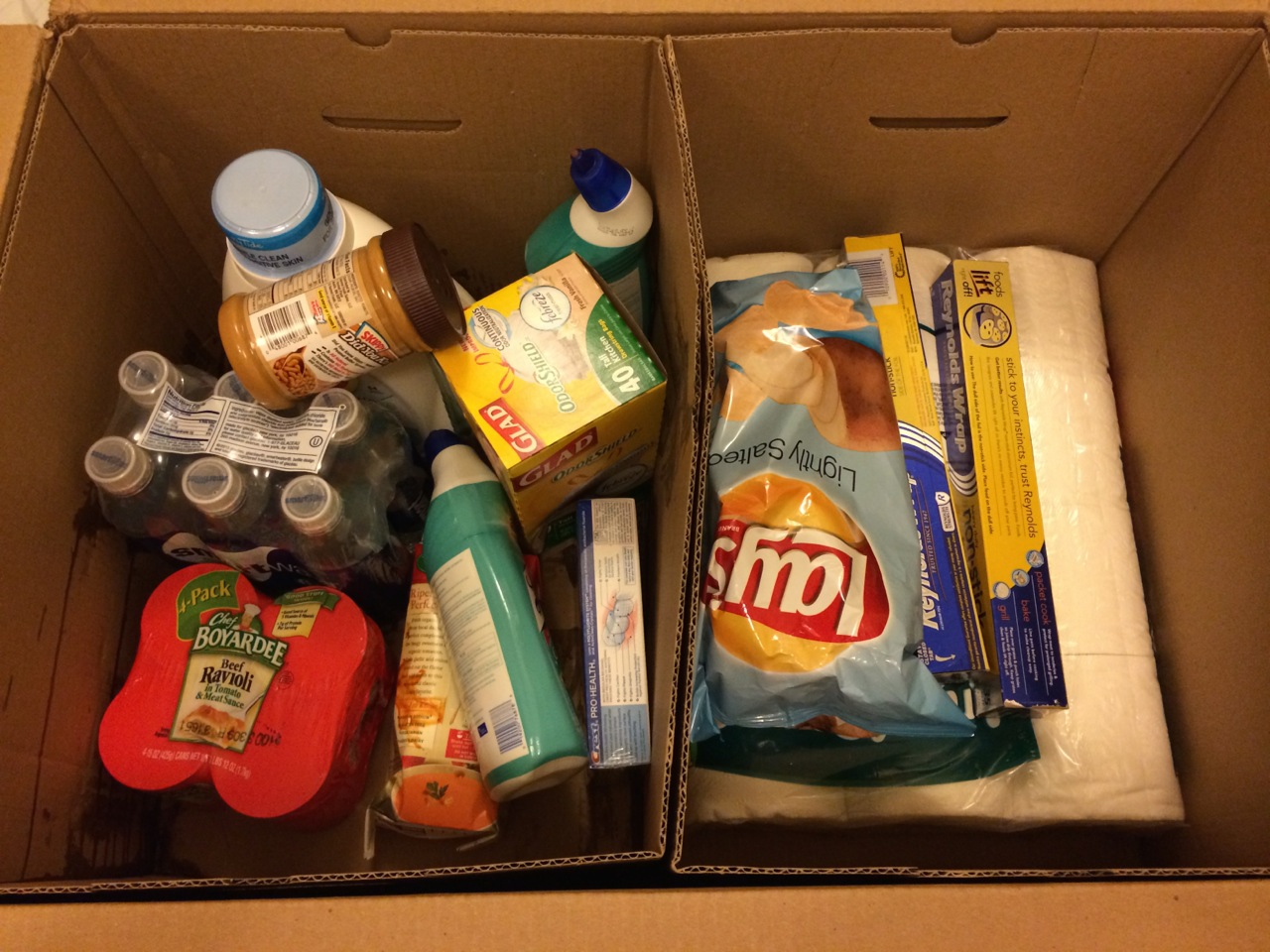
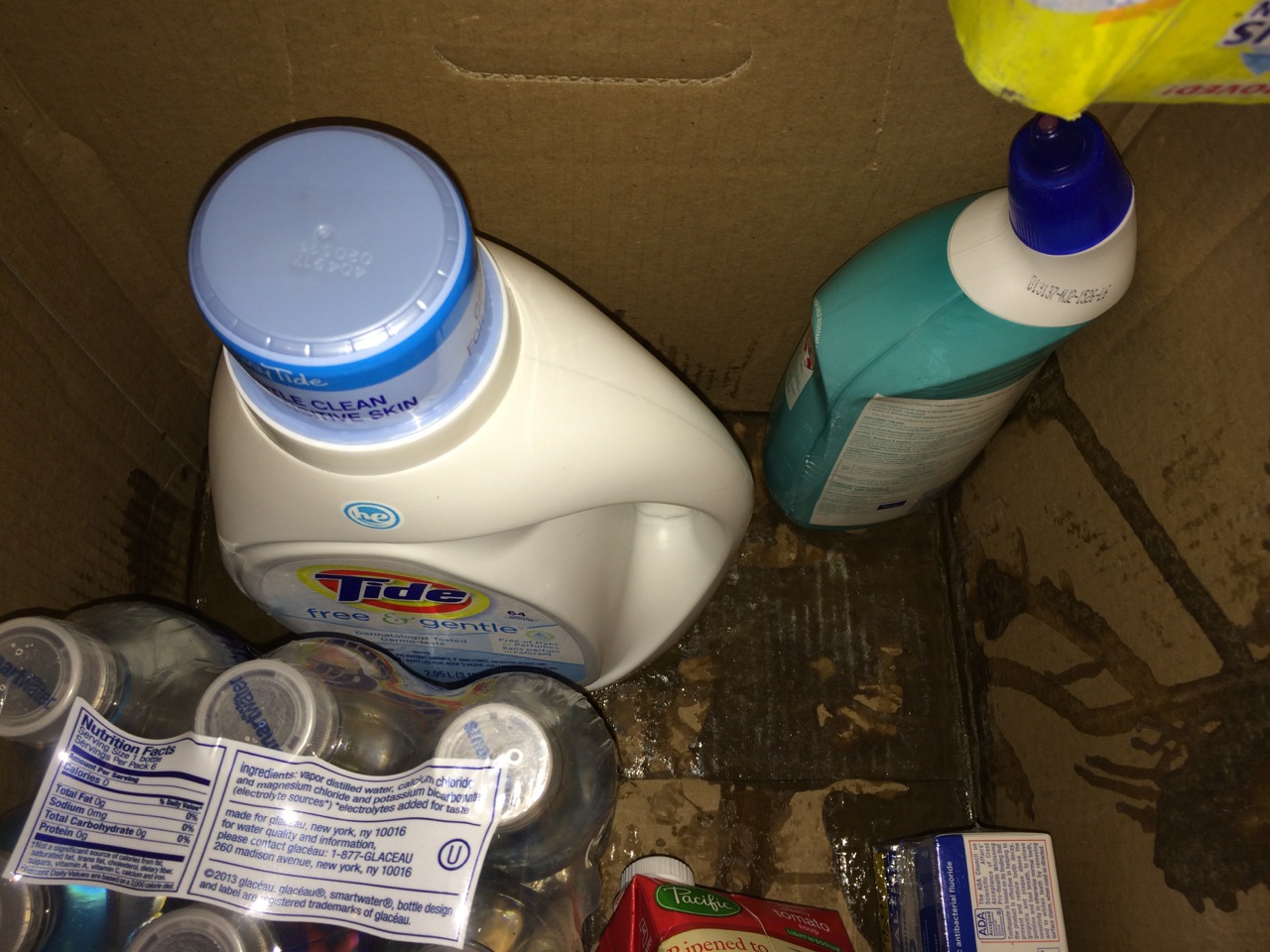
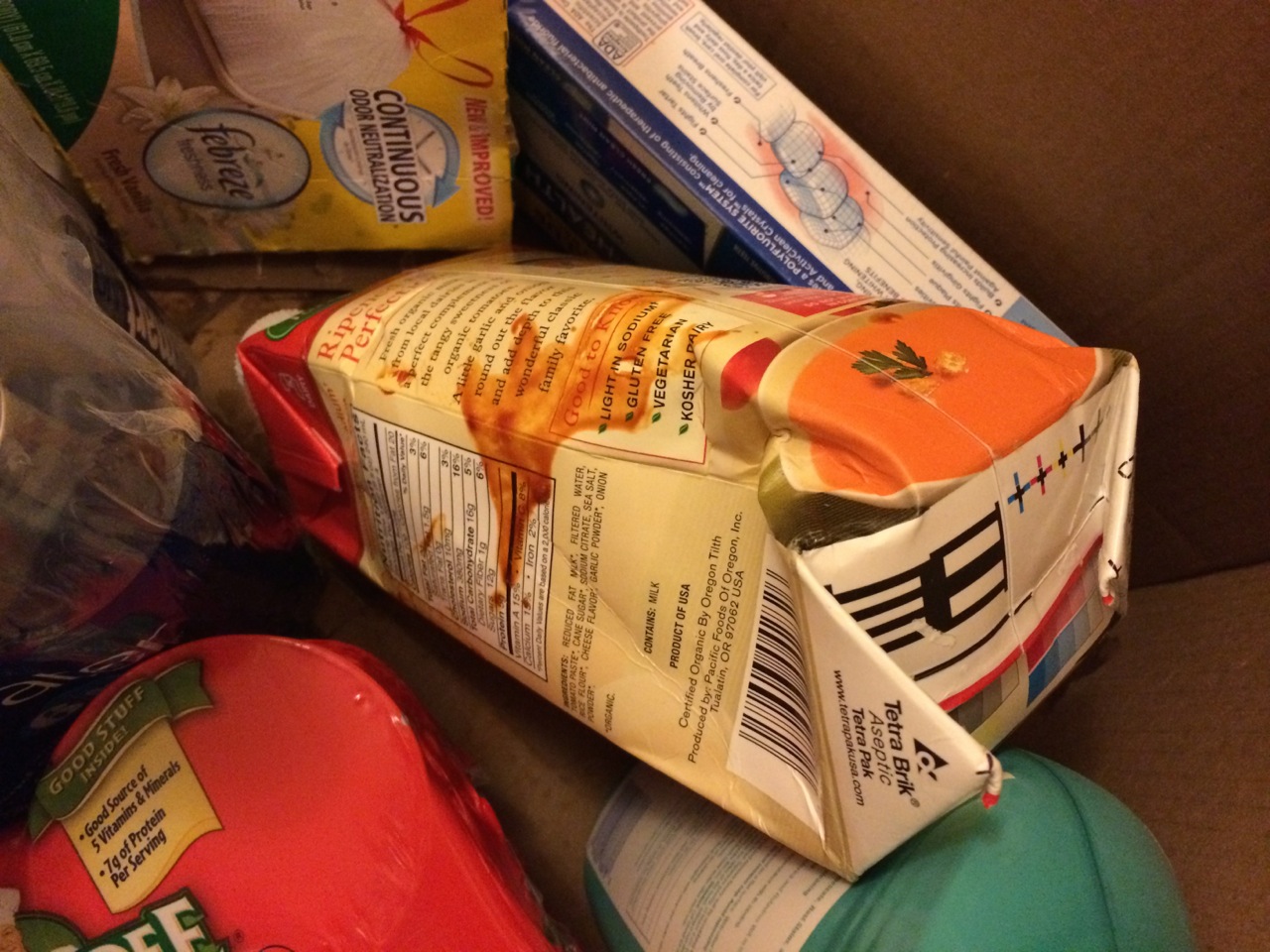
At first glance, things appeared fine.  The toilet paper and chips were not crushed.  Items were grouped into two compartments.  Unfortunately, once I started to remove items from the left side of the box, I noticed everything was sticky.  I assumed something must’ve leaked.  Sadly, two items had.  The detergent had a small crack in the bottom and the soup box had been malformed to the point of leakage.
amazonpantry5

amazonpantry3


Oh, the carnage!  Someone has shot my soup!  Who would do such a thing?  I suspect Chef Boyardee.

Sadly, I think local groceries don’t have much to fear from PrimePantry quite yet.  The prices were nothing special and waiting 4 days is a little too long for most people.  The potential shipping problems are obvious.  I suspect this is currently just an experiment for Amazon which is why they’ve limited it to Prime members.  There are rumors that Amazon is looking into becoming their own delivery service which would replace the likes of UPS who delivered this order.  When and if that happens, Amazon might be able to provide the delicate care such a delivery needs.  In the meantime, its hard to recommend.
 

Ransomware

We’ve seen a recent rise in “ransomware” that infects and encrypts computers, then demands money for you to get your data back.

I reported back in March 2011 having seen ransomware demanding $200. Today, it is asking for $300 within 10 hours.

The name of the virus is CryptoLocker. The US Computer Emergency Readiness Team has a good write up on CryptoLocker.

To avoid this ransomware, we recommend using a Mac which can not be infected. Or just keep your PC antivirus up to date and avoid clicking on links on email or websites that you are unsure about.

Use Outlook.com to host your Domain Email

I used to recommend using Google to host your personal domain email (e.g. you@yoursite.com). But since Google started “monetizing” their products, they now charge $50/year/account for the service, quite steep.

Now I recommend Outlook.com, which is still free and a very good service. You can signup here:
https://domains.live.com/Signup/SignupDomain.aspx

You need an existing outlook.com email account to set up the mail domain account. Just like any change in mail server, you need to update at your registrar your  MX records and your TXT record to prove that you own the domain.

Then you can reach your mail by going to:
http://mail.live.com

Sync iPhone with Windows

Many people have an iPhone or iPad as well as a Windows computer. While there are ways to sync an iOS device with Outlook or Windows Mail for contacts and calendar, the syncing never displays things the same way as it does on the iPhone or iPad.

iCloud Web Access

The easiest way to give people access to their information is to use iCloud. Use the icloud.com website to give them access to things in the same way it look on their iOS devices.

Create Web Links on the Desktop

Then drag the the weblinks for the specific App to the desktop. (This is usually the icon to the left of the URL and can be dragged to the desktop.)  They’re formatted in the following way:

https://www.icloud.com/#contacts
https://www.icloud.com/#calendar
https://www.icloud.com/#notes
https://www.icloud.com/#reminders
https://www.icloud.com/#iwork

I like to rename the links from “iCloud Contacts” to just just “Contacts”.

Find New Icons

I also like to make the icons look like the Apple icons. You can use any icons you want, but these are my favorite. I download the Multi-Res ICO versions if available. Download them to somewhere that you won’t later delete. I put them in c:\Windows\icons\

Contacts http://findicons.com/icon/131428/address_book?id=131561
Calendar http://findicons.com/icon/19547/calendar?id=19559
Notes http://findicons.com/icon/19548/notes?id=19560
Reminders http://www.iconfinder.com/icondetails/126628/114/reminders_icon
iWork http://www.iconarchive.com/show/colorflow-icons-by-xazac/iWork-08-icon.html
Mail (for @icloud.com email) http://www.iconarchive.com/show/iphone-icons-by-judge/mail-icon.html
iCloud http://www.iconspedia.com/icon/cloud-silver-icon-38589.html

This set of icons is overall good if you want to make an iPhone user feel at home on Windows:
http://www.iconarchive.com/show/iphone-icons-by-judge.html

Change the Web Links to the New Icons

To change the icon:

  1. Right click on the link icon on your desktop
  2. Choose the Web Document tab at the top
  3. Choose Properties
  4. Click Change Icon…
  5. Click Browse… and find the .ico file that you downloaded
  6. Open
  7. OK
  8. Apply
  9. OK

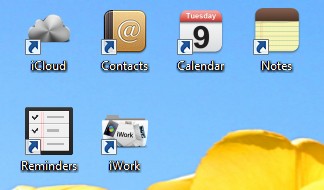
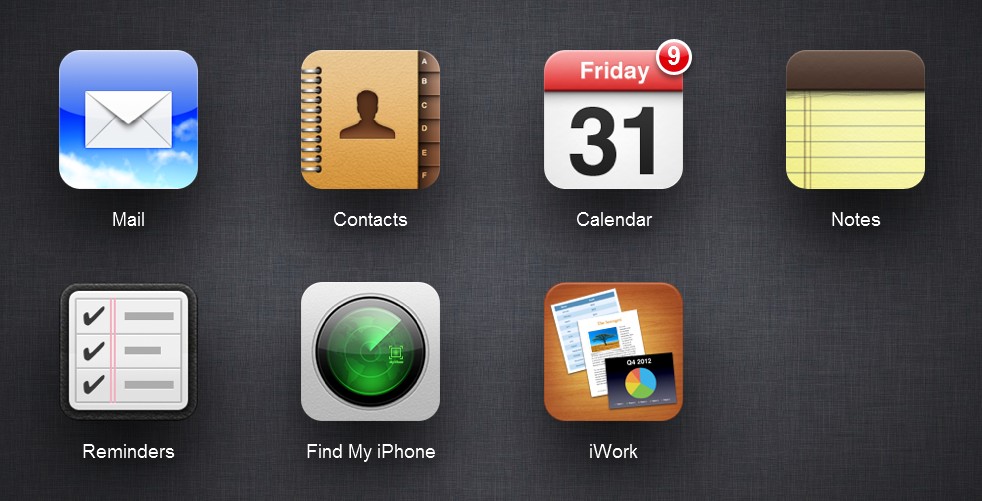
Then you can have a Windows desktop that looks like this. If you check off “Keep me signed in” when you login to iCloud, then you have a quick and simple setup that will be comfortable for iPhone or iPad users.

How to Sell Domain Names

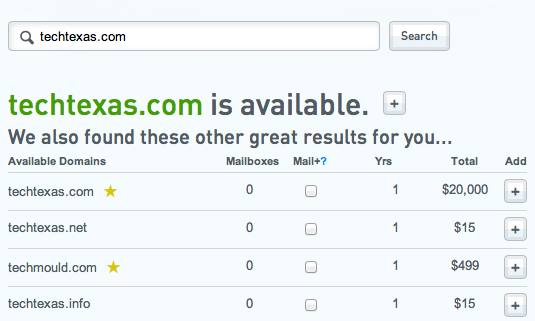
Got some unused domain names that you believe have value? Selling those domains rather than just letting them expire can be tricky. There are a lot of domain auction and resale sites on the internet but we believe only one approach is above the rest.


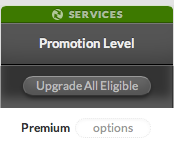
Afternic.com is one of the most popular domain selling services. The key is to use their Premium Promotional Level.  This allows your domain to appear on other domain sites for sale along with unowned domains.  In order for this to work, you must also set a Buy Now price.  This premium level is only available with certain domain name registrars.  We highly recommend hover.com.  Once afternic confirms you are the domain owner, your domain will then appear on many sites when people are searching for domain names to buy.

Scroll to Top