

If you want to download Flash videos, such as from YouTube, there are many options. My favorite way is to use the Firefox plug-in called Download Flash and Video. It actually can download anything that’s Flash including Flash games.
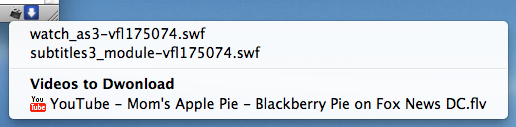
 Install it like any Firefox Add-on by going to Tools – Add-ons – Get Add-ons. Once installed you will see a down arrow at the the bottom right hand of Firefox. It turns blue when there is content on the current page that you can download. It’s simple.
After downloading a video, you can use Handbrake to change the video to another format you might need.